
Best Virtual Phone System for Small Business in 2021
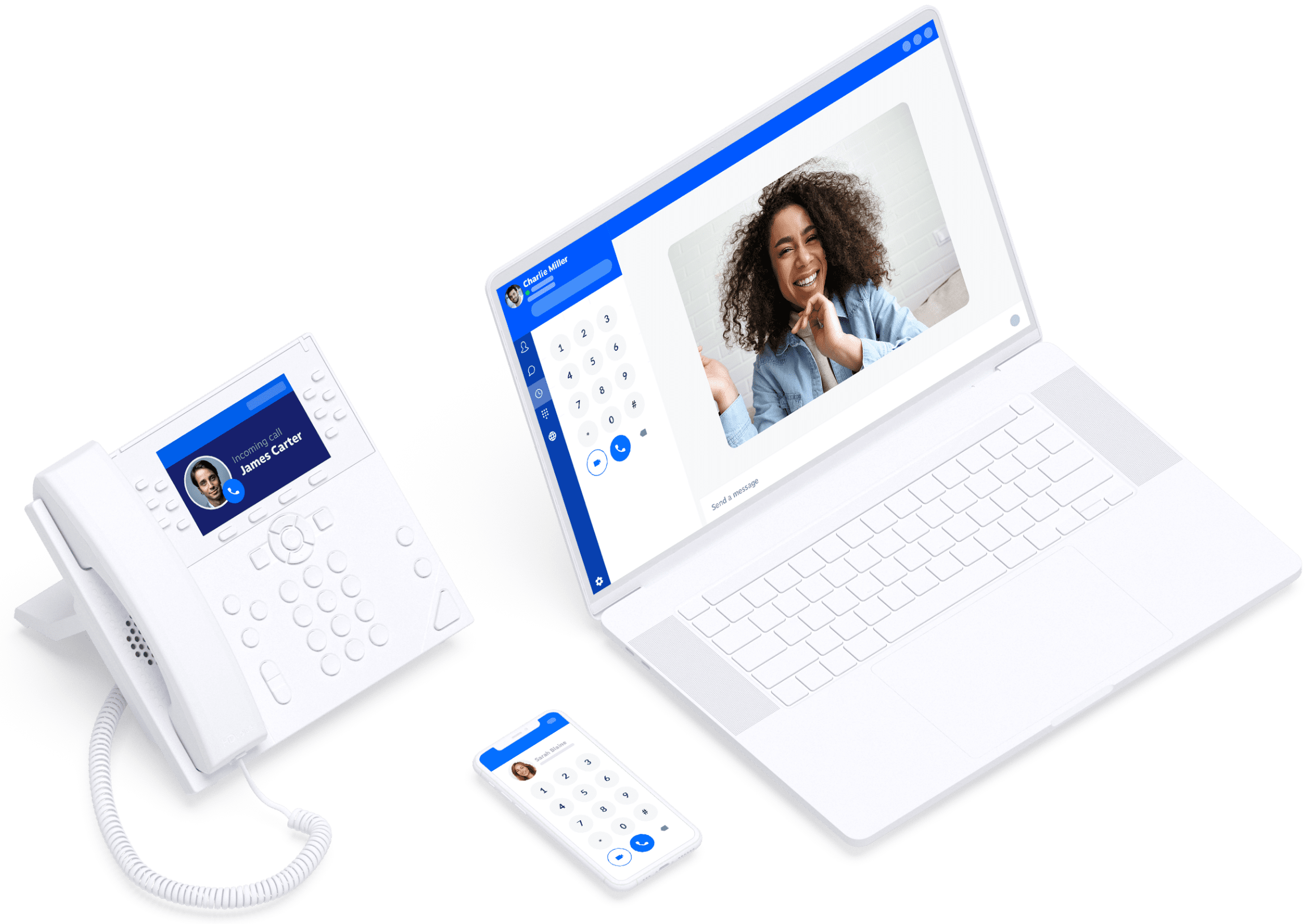
A virtual phone system can help a small business handle calls professionally without the expense of a traditional office phone network. In 2021, cloud-based services made it possible to answer business calls from a desk phone, computer or mobile, wherever your team was working.
But the best virtual phone system depends on what your business needs. A sole trader may want a simple business number and voicemail, while a growing customer service team may need call queues, integrations and detailed reporting. This guide compares some of the leading options available to small businesses in 2021 and explains what to consider before choosing one.
What is a virtual phone system?
A virtual phone system uses internet-based technology to manage calls, rather than relying solely on a traditional office phone line. It can route calls to staff members’ mobiles, computers or compatible desk phones, and may include features such as voicemail, call forwarding, auto-attendants and conference calling.
Many providers offer a hosted service, often called a cloud phone system or VoIP phone system. The provider manages the underlying platform, while the business uses an app or phone device to make and receive calls.
Virtual phone systems to consider in 2021
RingCentral
RingCentral was a strong all-round option for small businesses looking for calling alongside video meetings and team messaging. Its range of plans and features made it suitable for businesses that expected to grow, although smaller teams should check that they are not paying for functions they do not need.
8×8
8×8 offered cloud calling and unified communications features, with options designed for businesses of different sizes. It was worth considering for teams that wanted business calling alongside collaboration tools. As with any provider, check which features are included in the specific plan available to your business.
GoToConnect
GoToConnect combined cloud phone services with collaboration features. It could suit small and growing businesses wanting a single platform for calling and meetings. Businesses with more complex needs should compare its call management options and integrations against those of specialist providers.
Zoom Phone
For businesses already using Zoom for video meetings, Zoom Phone offered a way to add cloud calling to a familiar platform. It may be a convenient choice for teams that value a joined-up experience, but it is important to check regional availability, calling plans and compatibility with existing equipment.
Aircall
Aircall focused on business calling and integrations, making it a potential fit for sales and customer support teams. Features such as call routing and connections to other business software could help teams manage customer conversations. Smaller businesses should compare the total cost with simpler services if they only need basic calling.
How to choose the right system
Before comparing plans, list the features your business genuinely needs. This helps avoid choosing a system based on an impressive feature list that may not be relevant to your day-to-day work.
- Business numbers: Check whether you can use your existing number, choose a new one or add numbers for different teams.
- Call handling: Look for call forwarding, voicemail, call queues, an auto-attendant and opening-hours settings if your business needs them.
- Remote working: Make sure staff can take calls securely using suitable mobile and desktop apps.
- Integrations: If your team uses customer relationship management (CRM) or helpdesk software, check whether the phone system connects to it.
- Ease of use: A system that is simple to set up and manage can save time, particularly when there is no dedicated IT team.
- Support and reliability: Ask about customer support, service availability and what happens if your internet connection is interrupted.
- Total cost: Compare monthly charges, call costs, number fees, equipment and any charges for additional users or features.
Is a virtual phone system right for your small business?
A virtual system can be a good choice if your team works across different locations, wants calls to reach staff on the move, or needs a more professional call-handling experience without installing a traditional phone network. It can also make it easier to add users as a business grows.
However, internet-based calling depends on a suitable connection. Check that your broadband can support the expected number of calls and consider a backup connection or call-forwarding arrangement for essential lines. You should also review each provider’s terms, security information and any requirements that apply to your business.
Which virtual phone system is best?
There is no single best virtual phone system for every small business. RingCentral, 8×8 and GoToConnect offered broad feature sets in 2021, while Zoom Phone could be appealing to teams already using Zoom and Aircall was worth considering for sales and support workflows.
The right choice is the one that fits your call volume, working style and budget. Compare current plan details, test the apps where possible and make sure the provider can support your team as your business changes.
Note: This article looks at the virtual phone system market in 2021. Product features, plans and availability may have changed since then.
Top 8 Tips for Choosing the Best Virtual Phone System for Small Businesses in 2021
- List the features your small business needs before comparing providers.
- Choose a system with reliable call quality and strong uptime.
- Check that it works with your existing mobiles, laptops and CRM.
- Look for UK numbers, voicemail and call forwarding in the plan.
- Compare monthly costs, setup fees and contract terms.
- Make sure it can add users easily as your business grows.
- Check the provider’s customer support hours and response times.
- Read reviews from small businesses and test a free trial where available.
List the features your small business needs before comparing providers.
Before comparing virtual phone system providers, list the features your small business actually needs. Consider how many people will use the system, whether you need call forwarding, voicemail, call queues or an auto-attendant, and whether staff need to answer calls from mobiles or computers. You may also want integrations with your CRM or other business software. A clear list makes it easier to compare plans fairly, avoid paying for features you will not use and choose a system that suits the way your team works.
Choose a system with reliable call quality and strong uptime.
When choosing the best virtual phone system for your small business in 2021, prioritise reliable call quality and strong uptime. Clear, uninterrupted calls help your team serve customers professionally, while dependable service means you are less likely to miss important enquiries. Check the provider’s uptime information, read customer reviews and ask how it handles service disruptions. It is also worth testing the system with your internet connection before committing, as call quality can depend on your broadband and network setup.
Check that it works with your existing mobiles, laptops and CRM.
Before choosing a virtual phone system, check that it works with the mobiles and laptops your team already uses, as well as your customer relationship management (CRM) software. Compatible apps and integrations can make it easier to answer business calls on the go, keep customer records up to date and manage conversations without switching between disconnected tools. Confirm which devices and CRM platforms are supported, and whether any features require a particular plan.
Look for UK numbers, voicemail and call forwarding in the plan.
When choosing a virtual phone system for your small business, check that the plan includes the essentials: a UK business number, voicemail and call forwarding. A UK number can help customers recognise and contact your business, while voicemail ensures you don’t miss enquiries when you’re unavailable. Call forwarding can route calls to a mobile or another team member, helping you stay responsive whether you’re in the office or working remotely.
Compare monthly costs, setup fees and contract terms.
When comparing virtual phone systems for your small business in 2021, look beyond the advertised monthly price. Check for setup fees, extra charges for additional users or phone numbers, and the cost of any handsets or optional features. Review contract terms carefully, including minimum commitments, renewal dates and cancellation fees, so you know the total cost and can choose a service that fits your budget without locking your business into unsuitable terms.
Make sure it can add users easily as your business grows.
Choose a virtual phone system that makes it easy to add users as your business grows. A flexible service lets you bring new team members on board quickly, without complicated setup or major changes to your phone system. Before you commit, check how additional users are priced and whether you can adjust your plan as your needs change.
Check the provider’s customer support hours and response times.
Before choosing a virtual phone system, check when the provider’s customer support team is available and how quickly it typically responds. If your phones are essential to serving customers, support limited to office hours may not be enough—look for clear service commitments, out-of-hours help and several ways to get assistance, such as phone, email or live chat.
Read reviews from small businesses and test a free trial where available.
Before choosing a virtual phone system, read reviews from small businesses with needs similar to yours. Their experiences can reveal how reliable the service is, how easy it is to set up and what customer support is like in practice. If a free trial is available, use it to test call quality, mobile and desktop apps, and the features your team will rely on. A hands-on trial can help you spot any limitations before committing to a plan.
Tags: 2021, 8x8, aircall, auto-attendant, best virtual phone system for small business 2021, business calling, business phone numbers, call forwarding, call management, call queues, cloud phone system, collaboration tools, crm, customer support, gotoconnect, integrations, pricing, reliability, remote working, ringcentral, security, small business, virtual phone system, voicemail, voip, zoom phone